Corporate AI training · India & remote
AI training your team can use on Monday
Most AI training ends with a slide deck nobody opens again. Mine ends with your team using the tools — because it is delivered by an engineer who builds AI systems in production every week.
Lead Application Developer · Signify — On-site across India · remote worldwide
120+
Trainings delivered
Corporate, community and campus
1500+
Professionals trained
Across industries and roles
8+
Years engineering
Still shipping, not just teaching
4.7/5
Average rating
From participant feedback
Success stories
Boardrooms, labs
and packed auditoriums
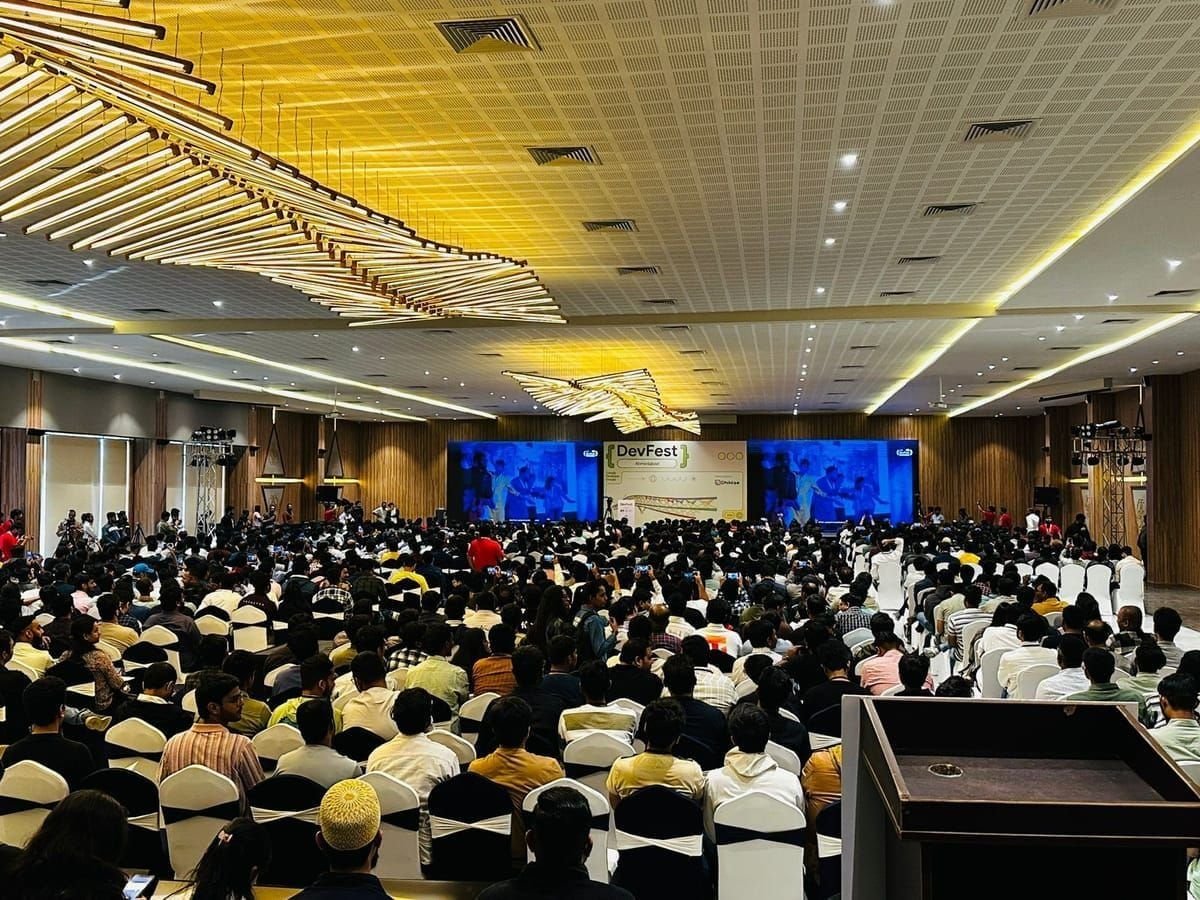
DevFest Ahmedabad
Google Developer Groups
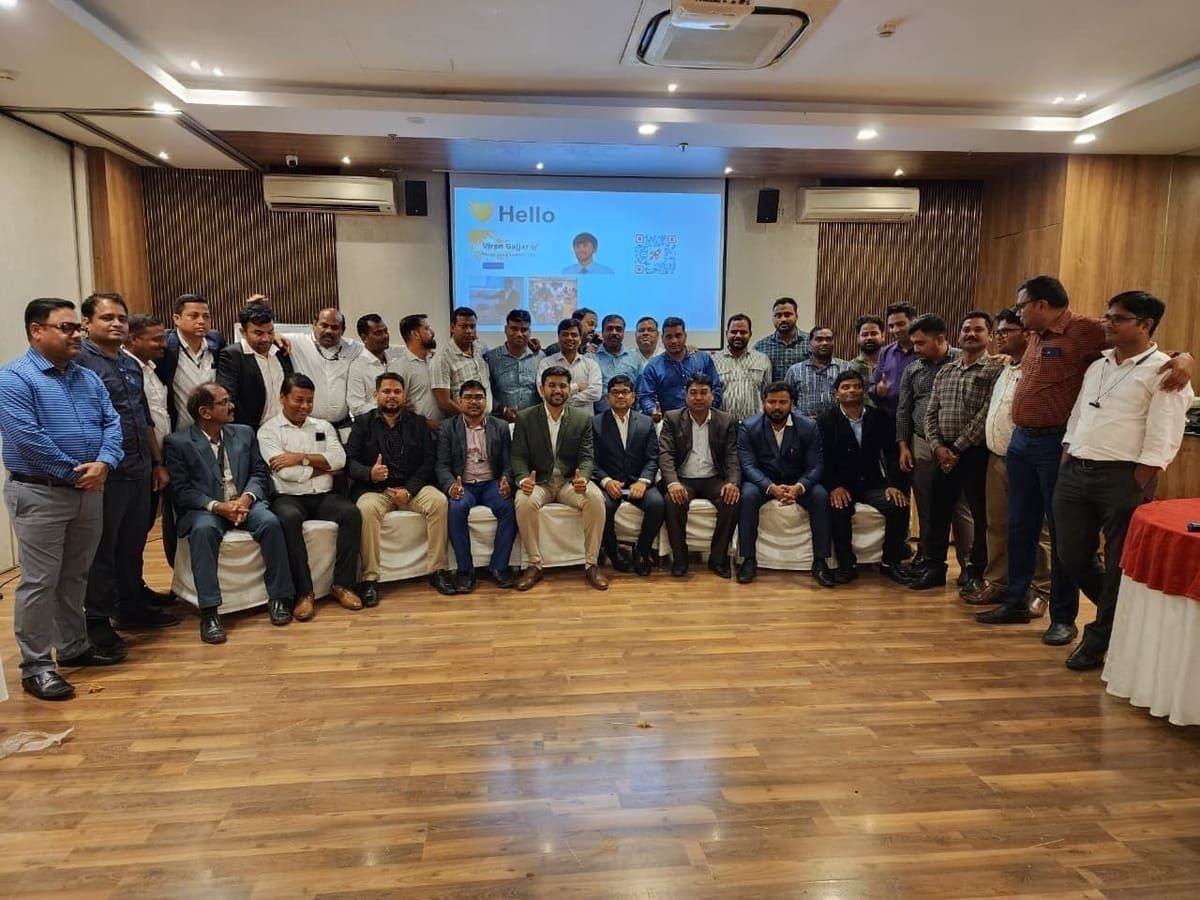
Enterprise cohort
35+ professionals
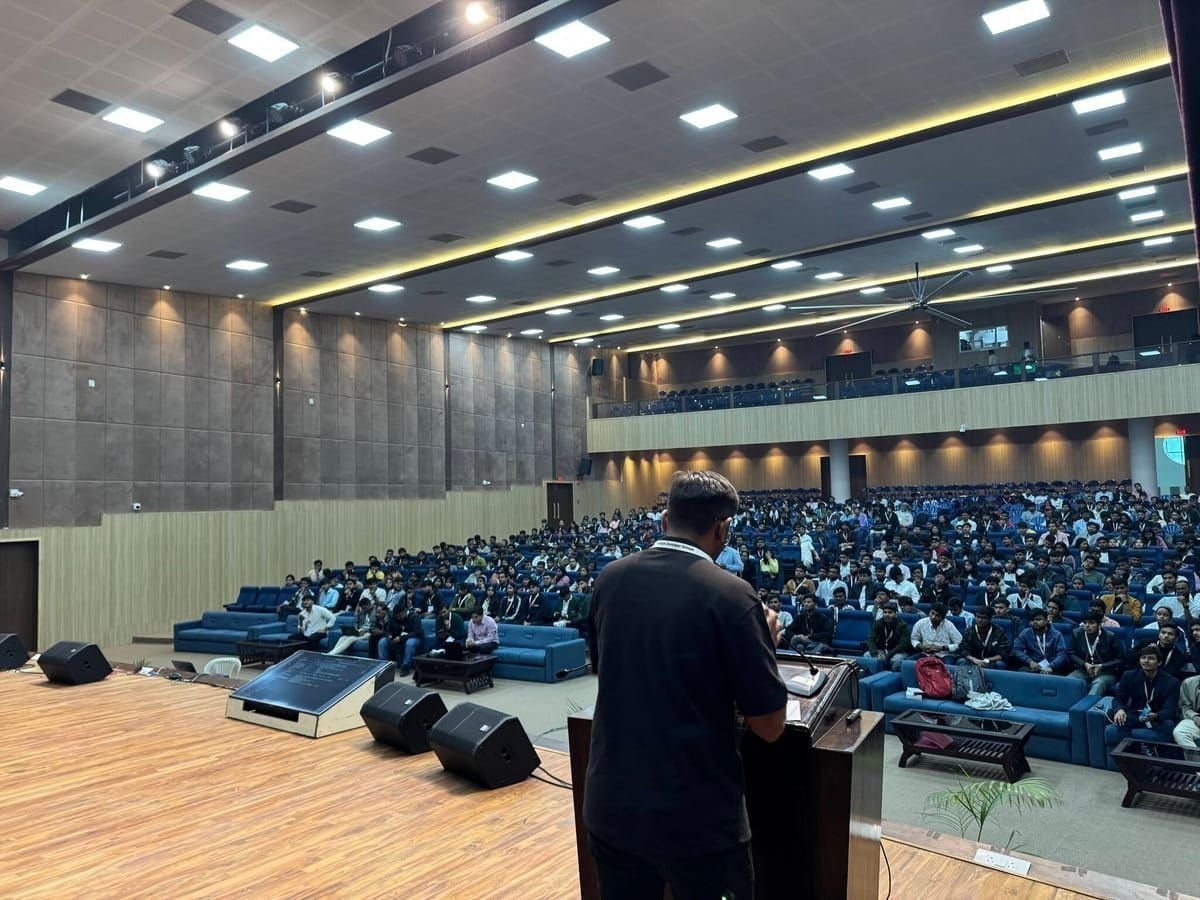
GDG community summit
500+ attendees
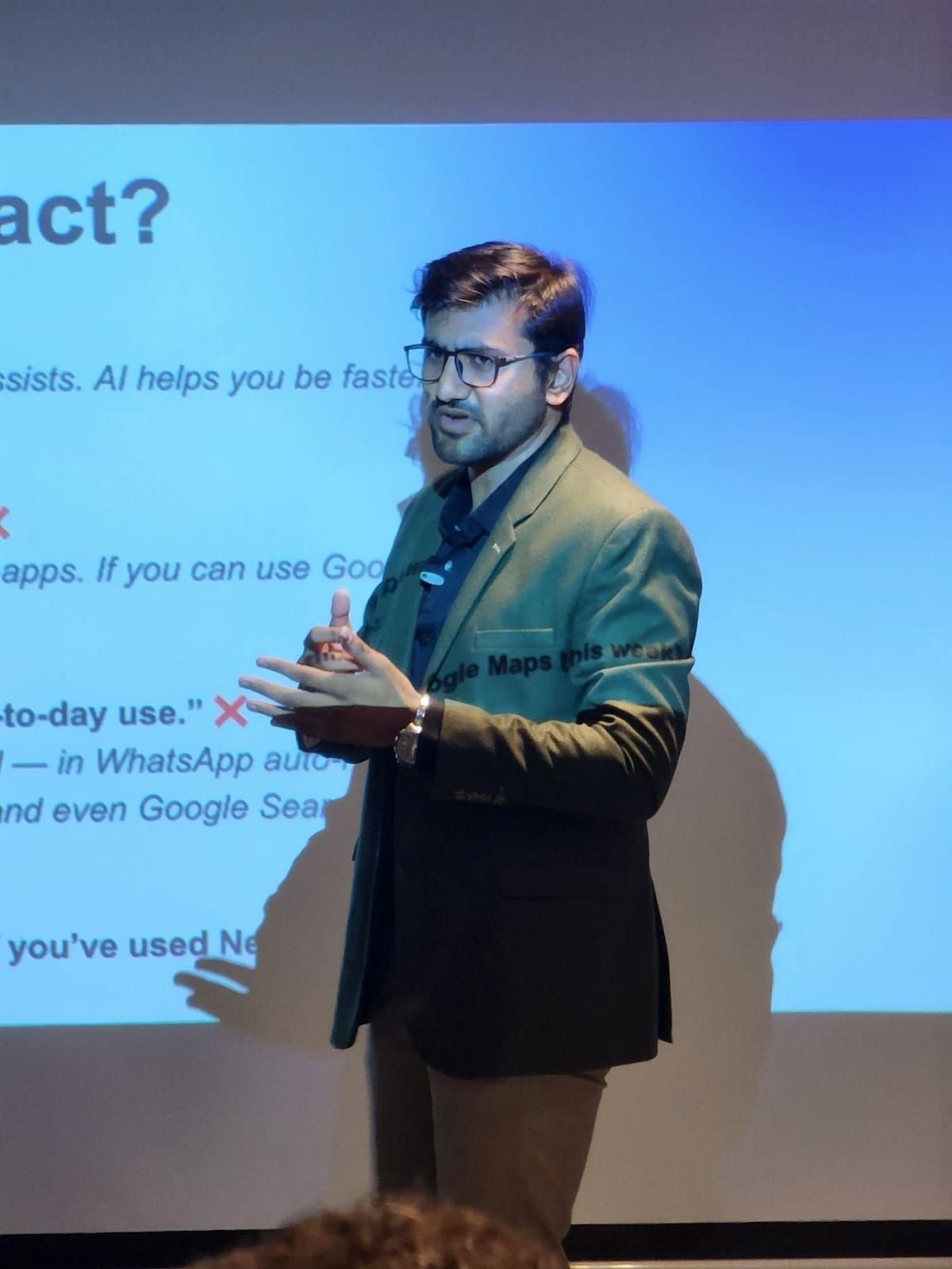
AI in everyday work
Business audience
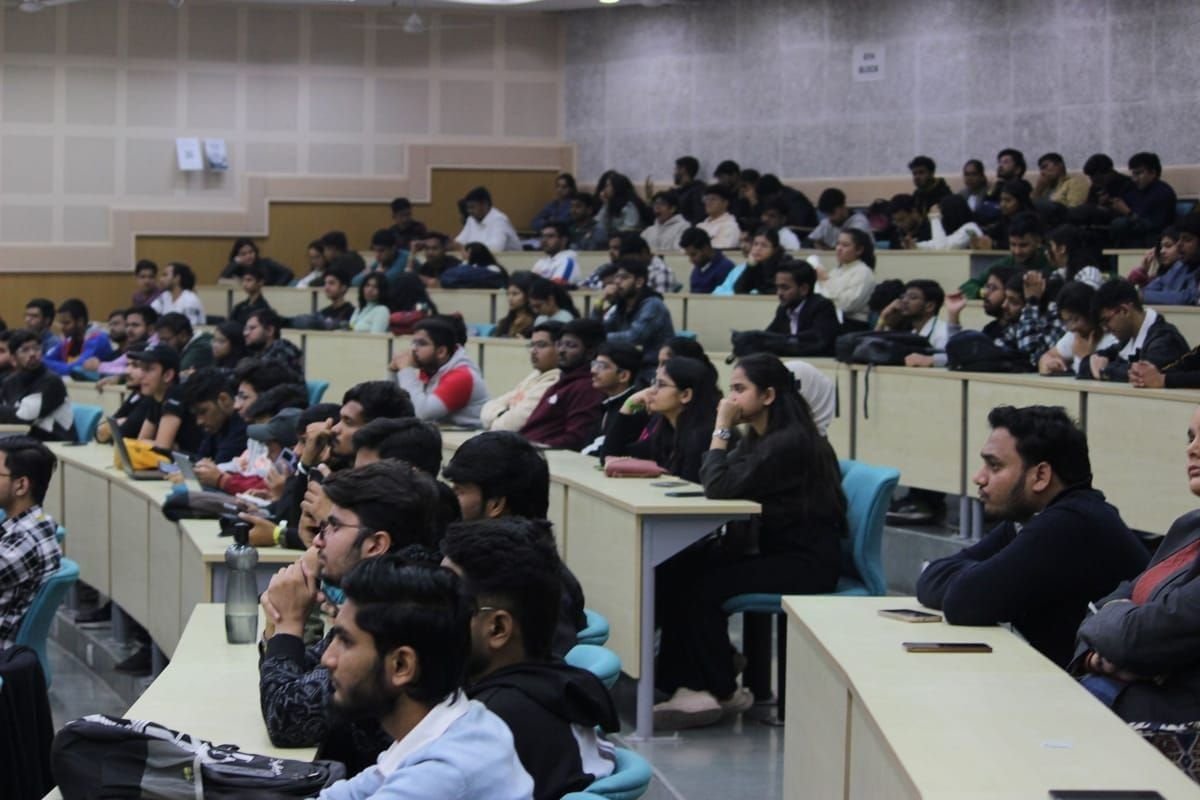
Campus programme
University cohort
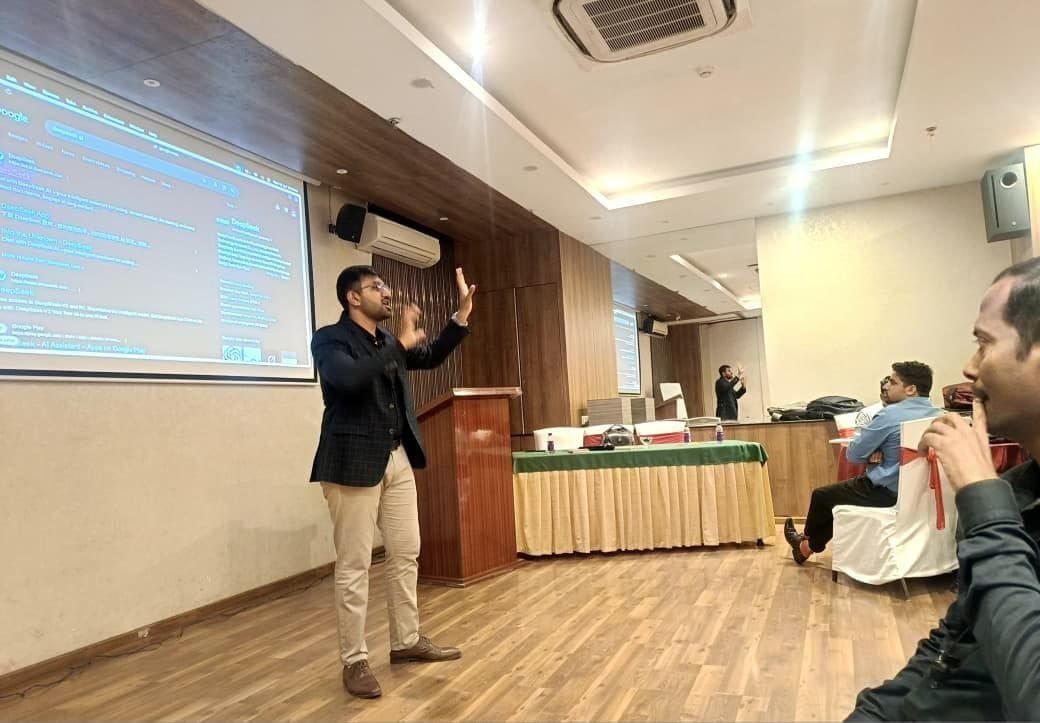
Live tool demonstration
Hands-on session
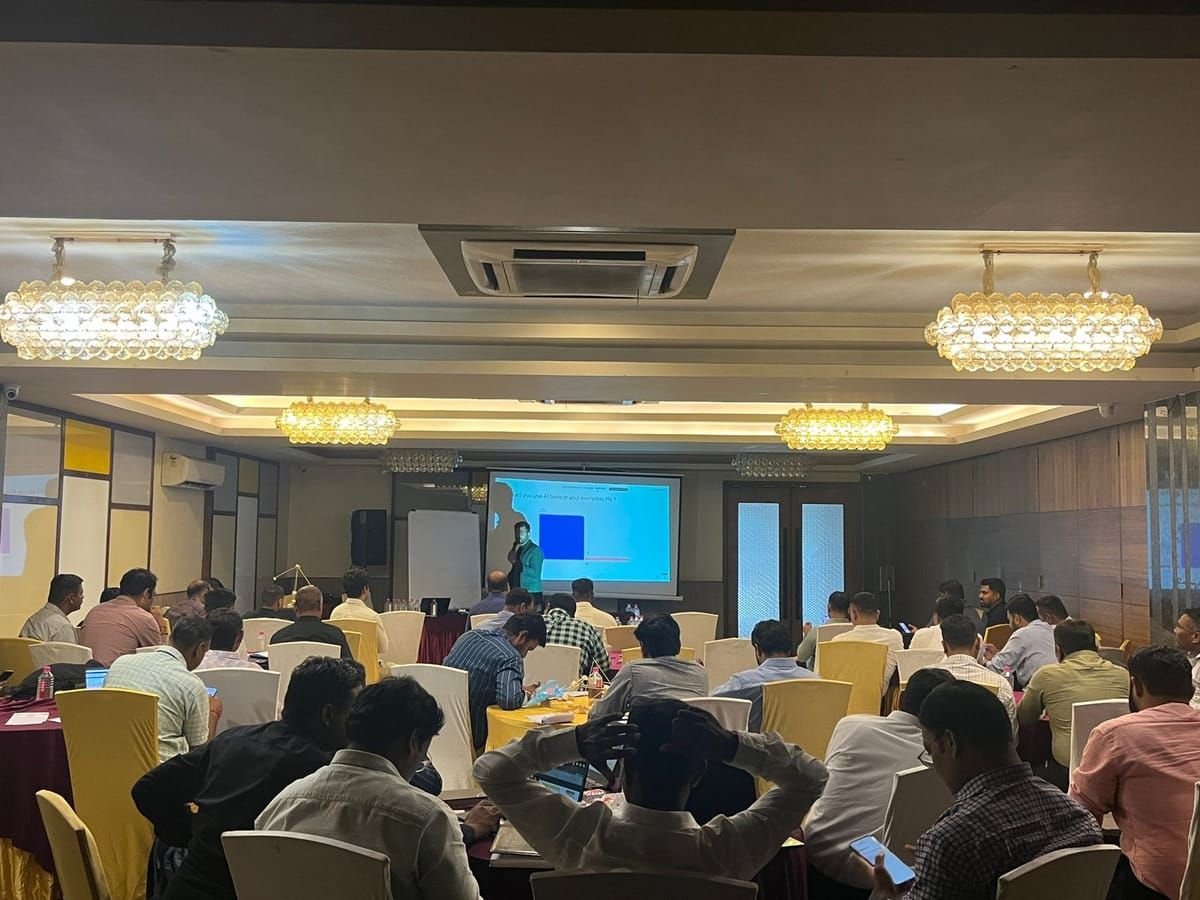
Live audience poll
40+ participants
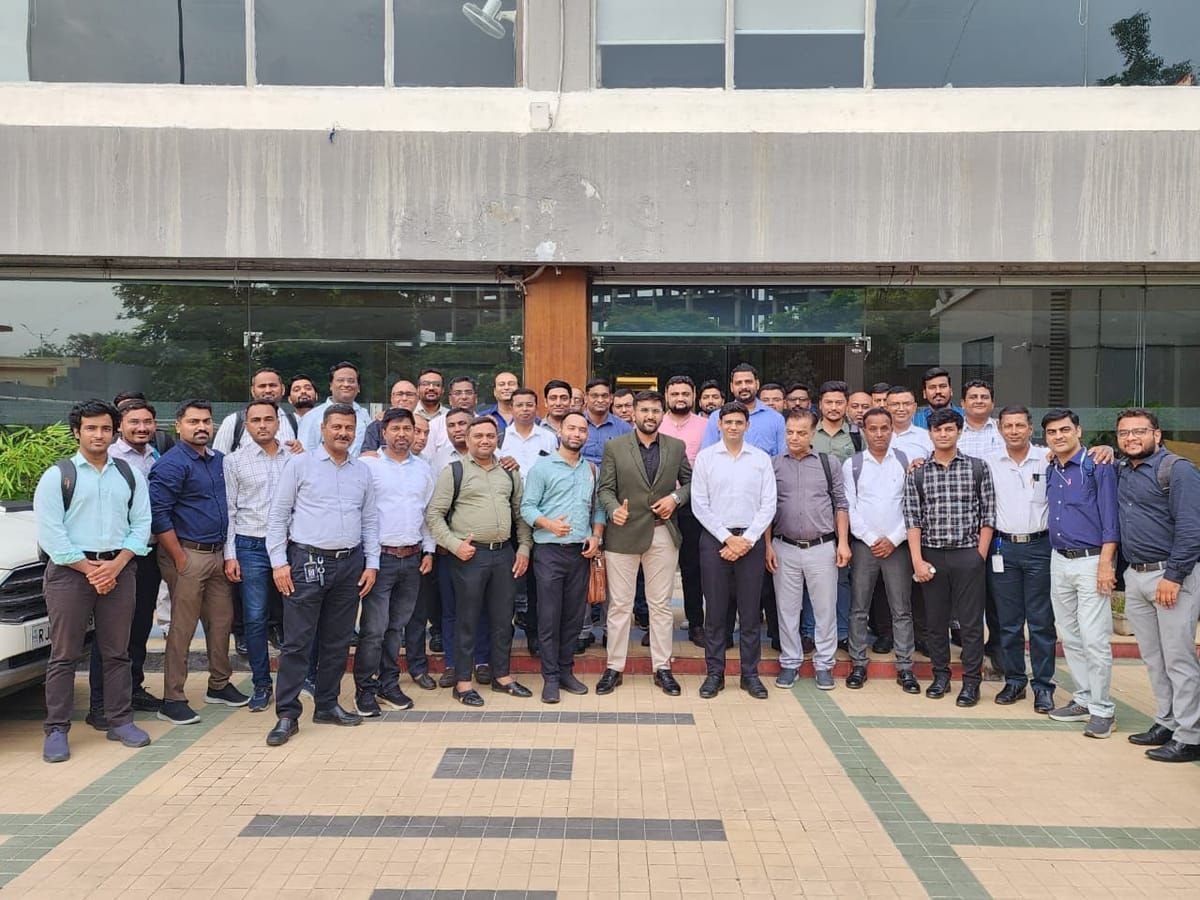
Full-day cohort
35+ participants
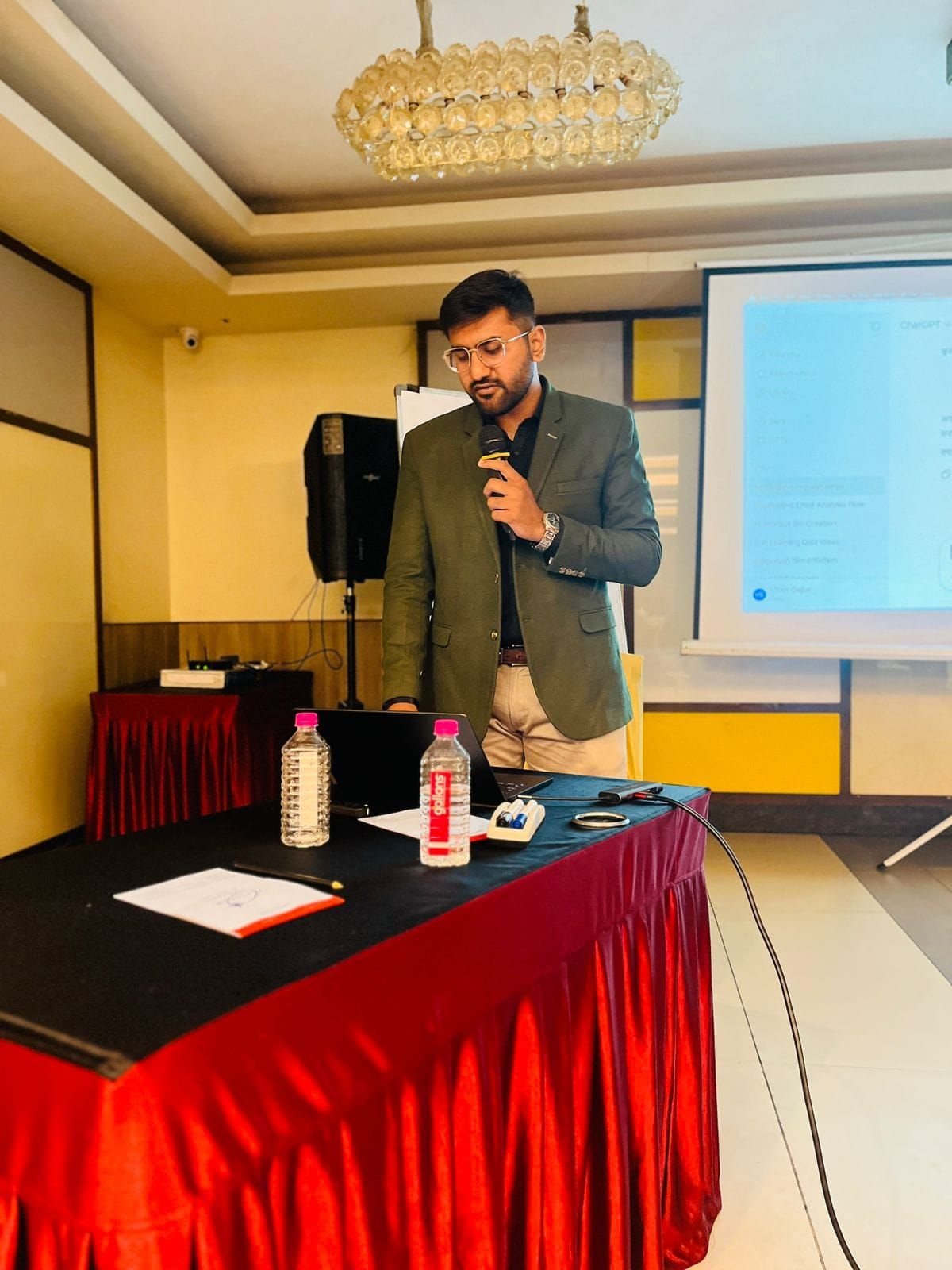
Assistant workflows
ChatGPT in practice
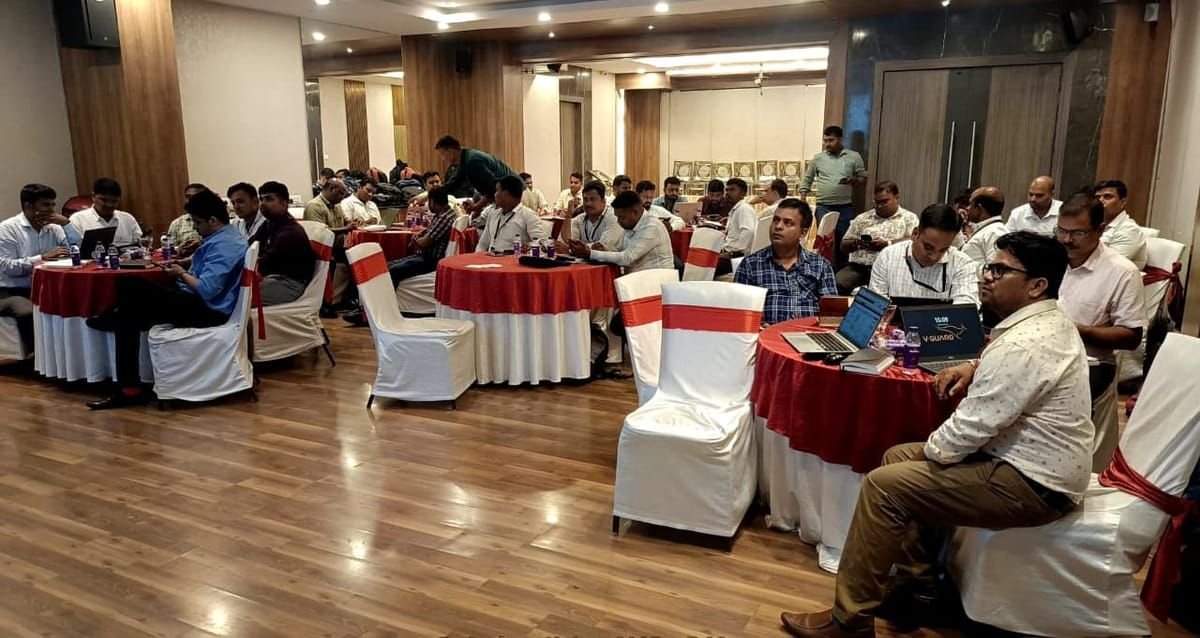
Session close
25+ professionals
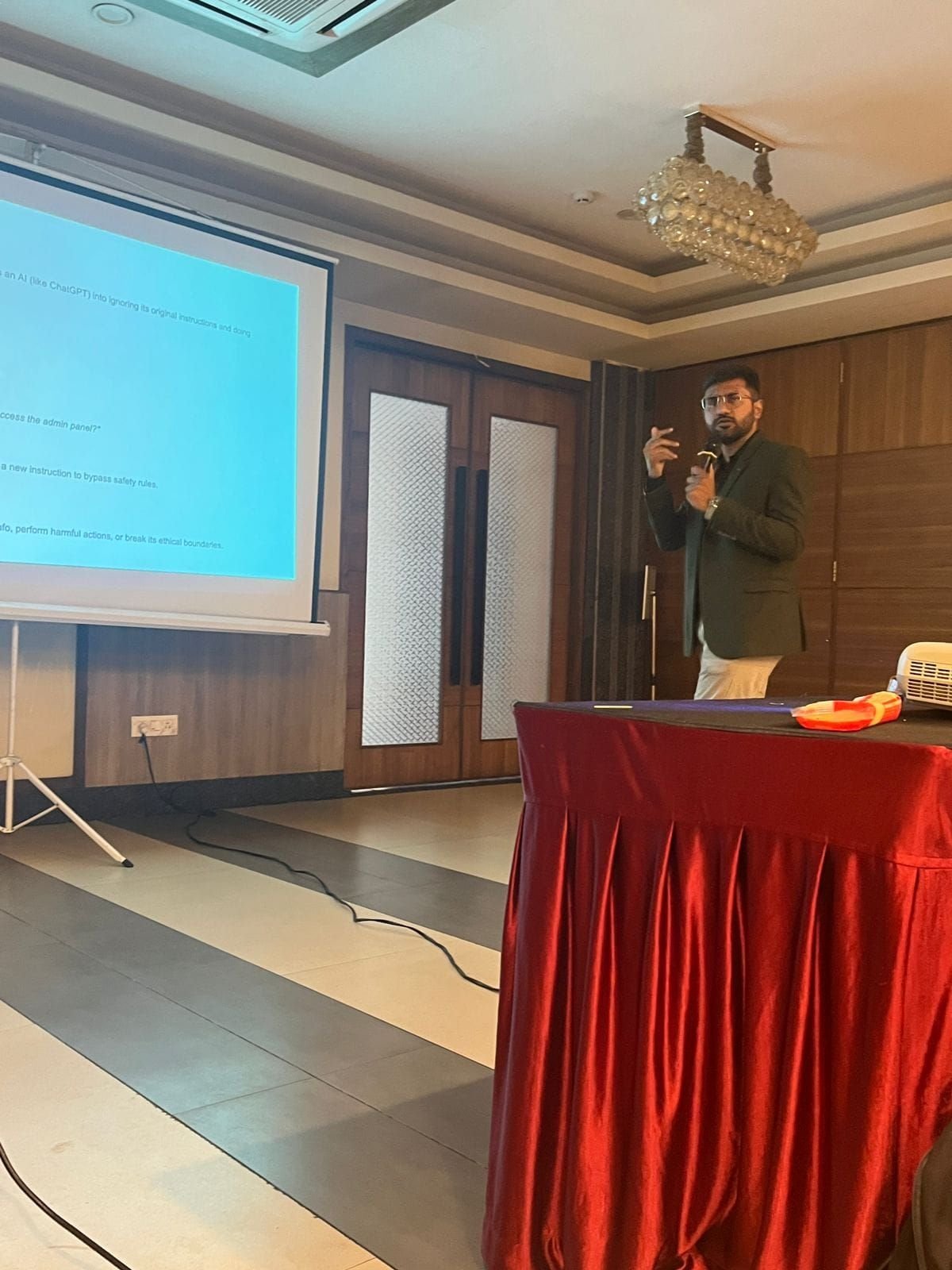
Prompt injection & safety
Responsible AI module
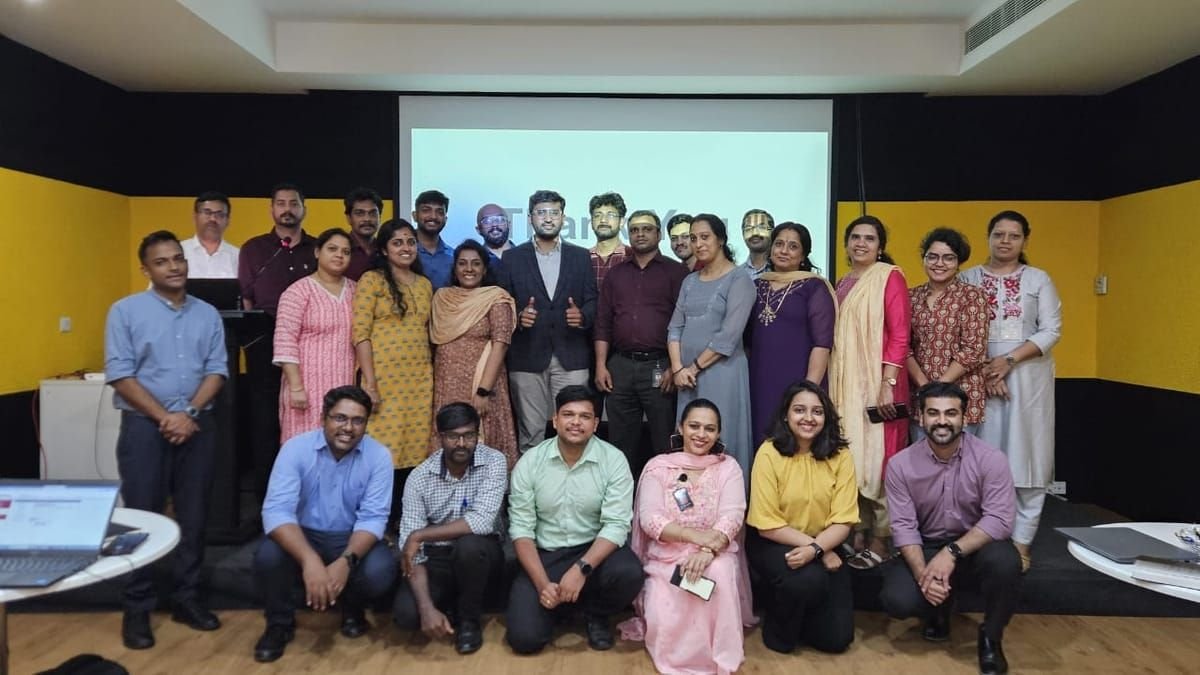
Hands-on lab
Enterprise cohort
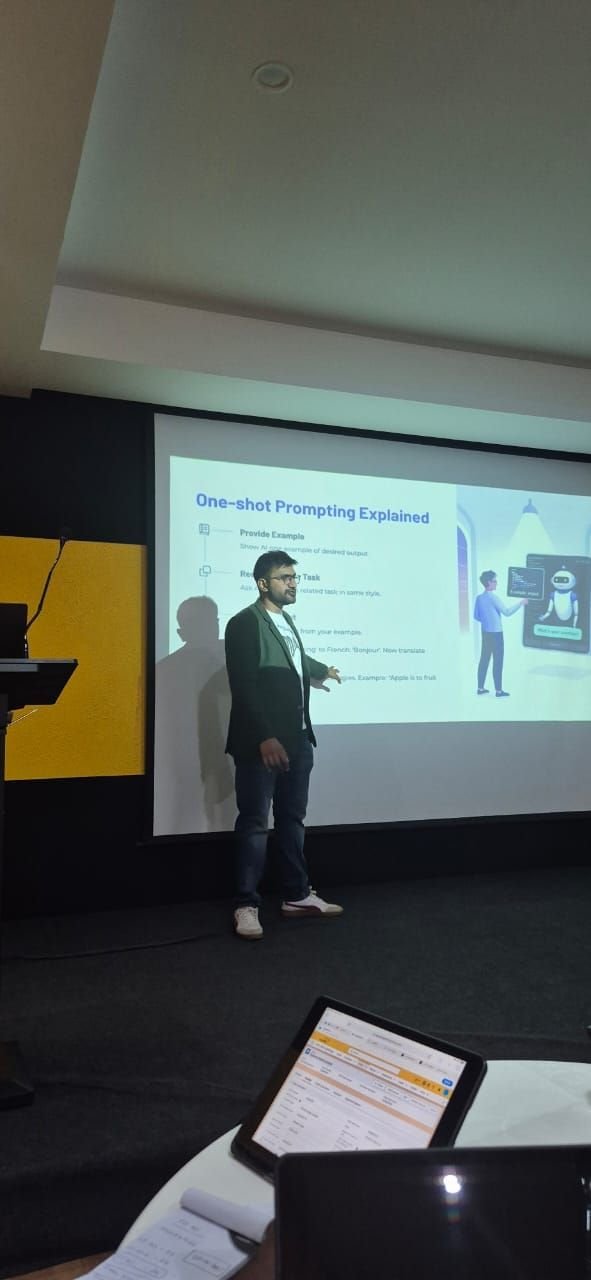
One-shot prompting
Masterclass
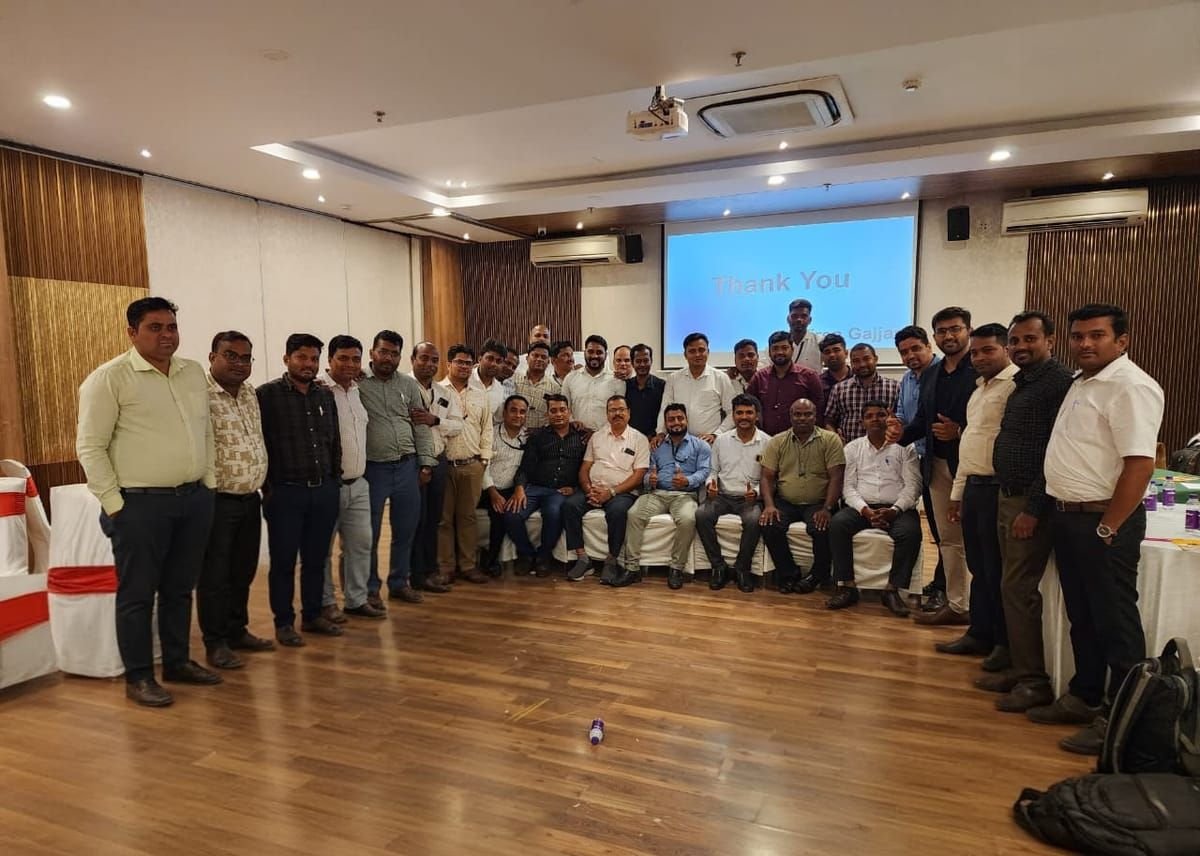
Programme complete
30+ participants
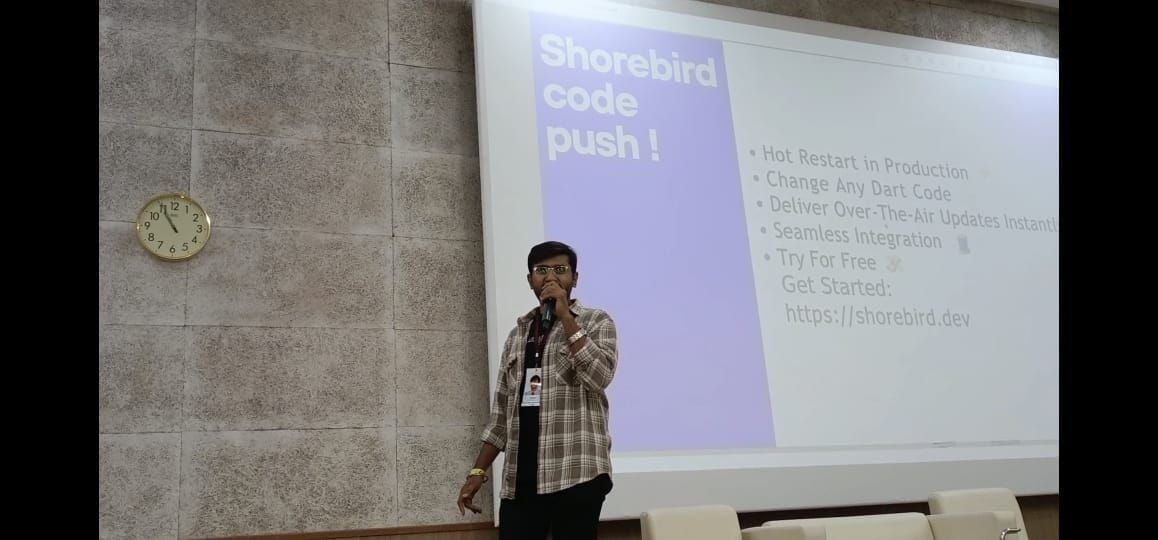
Technical deep dive
Developer audience
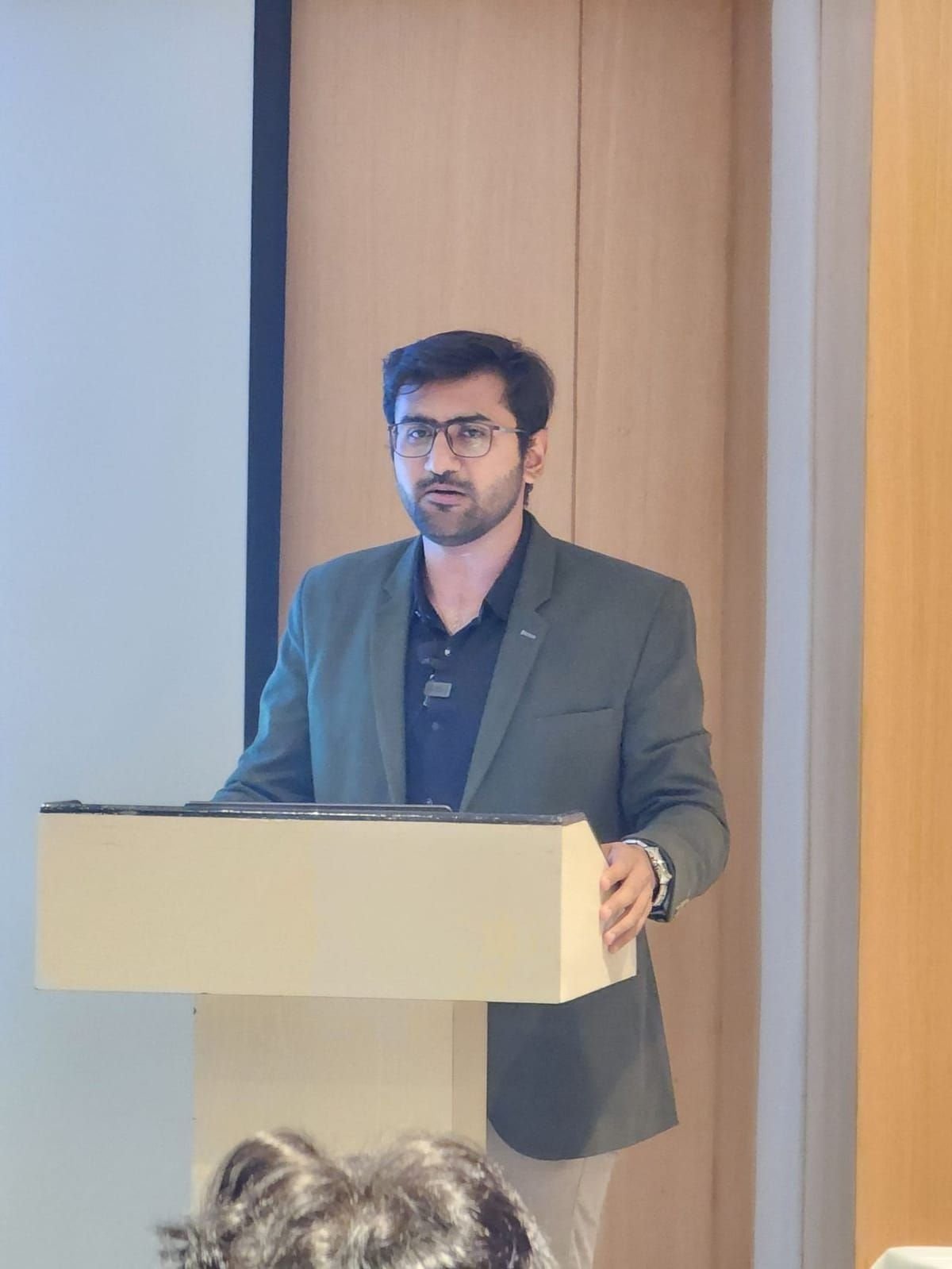
Leadership briefing
Executive audience
Delivered at
- DevFest Ahmedabad
- Google Developer Groups
- GSDC WOW
- Flutter Ahmedabad
- Enterprise in-house cohorts
- University campuses
Certified in
- AWS
- Flutter
- Web Development
Rated by participants
4.7 out of 5.
Average participant rating across 120+ trainings.
100%
Satisfaction index
Enterprise Flutter cohort, 2026
100%
Rated the trainer Good or Very Good
Zero average-or-below, across all five criteria
98%
Would recommend the training
Financial services cohort
96%
Overall rating of the presenter
22 responses, 100% response rate
Scored on
- Delivery and handling questions98%
- Would recommend the training98%
- Content was well organised96%
- Overall rating of the presenter96%
- Sessions overall94%
- Skills will be useful in my job92%
- Coverage met the objective90%
- Training met my expectations88%
Programmes
Five programmes,
built for different rooms
Every one is rebuilt around your team on a scoping call — which is why none of them quote a fixed number of days.
All departments
Most requestedProductivity Boost with AI Tools
Every department, working faster by Friday
- ChatGPT, Claude & Gemini mastery
- Workflow automation
- Content creation tools
- Data analysis with AI
- Integration into daily work
Executives & managers
AI Fundamentals for Business Leaders
Decide what to build, and what to refuse
- AI strategy & ROI planning
- Risk assessment & ethics
- Implementation roadmaps
- Change management
- Competitive advantage
Developers & IT teams
Advanced AI for IT Professionals
Build with AI, not just alongside it
- AI development frameworks
- Model integration & APIs
- Custom AI solutions
- Performance optimisation
- Security best practices
Senior engineers & AI teams
Agentic AI Engineering
From prompts to production agents
- Agentic workflows with LangGraph
- Multi-agent systems & CrewAI
- Agentic RAG pipelines
- MCP & tool integration
- LLMOps, monitoring & cost
Mobile teams & leads
Mobile Engineering Excellence
Apps that survive the second team
- Flutter & React Native in production
- Clean architecture & MVVM
- Testing and TDD
- CI/CD & release engineering
- AI-assisted mobile development
Tools covered
The tools your team will actually touch
Not a lecture on what exists — hands-on time in the tools your organisation already pays for, plus the judgement to tell which one a given job needs. Reviewed every quarter, because this list dates faster than anything else on the site.
39+
Tools and techniques covered
Across 8 categories, scoped to what your team uses.
Assistants
The daily drivers, and when to switch between them.
- ChatGPT
- Claude
- Gemini
- Microsoft 365 Copilot
- Perplexity
- DeepSeek
Research & knowledge
Turning documents your team already has into answers.
- NotebookLM
- Document Q&A
- Deep research modes
- Citation checking
Developer tooling
Throughput without the review debt.
- Claude Code
- GitHub Copilot
- Cursor
- AI code review
- Test generation
Agents & orchestration
When one prompt stops being enough.
- LangGraph
- LangChain
- CrewAI
- MCP
- Function calling
Automation
Connecting the tools you already pay for.
- n8n
- Zapier
- Power Automate
- Webhooks & APIs
- Scheduled workflows
Retrieval & data
Grounding answers in your own information.
- RAG
- Agentic RAG
- Embeddings
- Vector search
- Data analysis with AI
Content & media
Volume without the obviously-generated look.
- Image generation
- Gamma
- ElevenLabs
- Canva AI
- Transcription
Everyday productivity
The unglamorous wins that compound.
- Meeting notes & summaries
- Excel & Sheets with AI
- Email triage
- Prompt libraries
Every programme is scoped to your stack. If you are standardised on Microsoft, the Copilot modules expand and the rest compress.
What changes
Different teams, different wins
What the same programme looks like from four sides of an organisation.
Engineering teams
Before · Using AI as autocomplete, reviewing more code than they write.
- Ship AI features rather than prototypes
- Review AI-written code with a real checklist
- Choose between agent, chain and function on evidence
- Cut model spend without degrading output
Product & design
Before · Scoping AI features from vendor demos and press releases.
- Scope AI features that survive engineering review
- Recognise which problems models are genuinely good at
- Write specifications engineers can build from
- Push back on hype with specifics
Operations & support
Before · Repetitive work everyone knows should be automated, and nobody has.
- Automate recurring workflows themselves
- Draft, summarise and analyse at volume
- Handle document-heavy work in a fraction of the time
- Escalate to engineering only when it is genuinely needed
Leadership
Before · Approving AI spend without a way to judge it.
- Size initiatives with defensible numbers
- Interrogate vendor claims directly
- Set an AI policy the organisation can follow
- Sequence adoption so early wins fund the rest
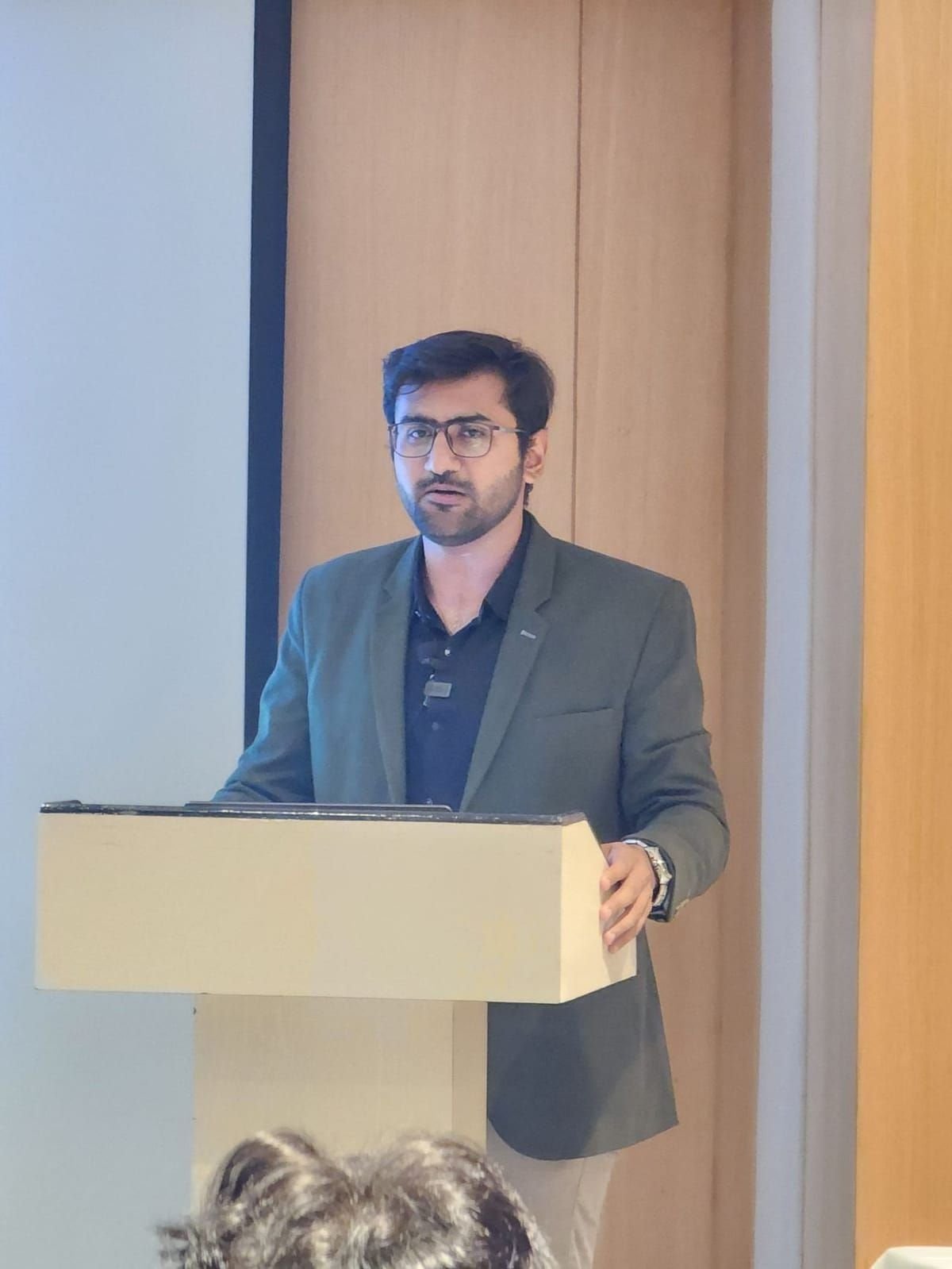
Currently
Lead Application Developer, Signify
Delivered
120+ trainings · 1500+ professionals
Certified in
AWS · Flutter · Web Development
Speaks at
DevFest, GDG, GSDC WOW, Flutter Ahmedabad
Your trainer
Taught by someone still doing the job
I lead application development at Signify, architecting multi-agent AI systems with LangGraph and LangChain. Before that: mobile lead at Tech Mahindra, senior engineer at CGI, and mobile delivery at TCS on apps past 50 million downloads.
Training has run alongside all of it — 120+ sessions and 1500+ professionals, from boardrooms to packed auditoriums at DevFest and GDG events.
Scoped on a call
What the team can do today, what you need them to do, and what is in the way. The programme is rebuilt around that — which is also why nothing here quotes a fixed number of days.
Taught on your work
Where your policy allows it, labs run on your systems and your codebase. The awkward questions get answered while I am still in the room.
Ends with something running
Every module finishes with working output the team owns, plus the conventions and reference material to keep it alive after I leave.
Delivered as
- On-site anywhere in India
- Remote cohorts worldwide
- Sprint-embedded weekly sessions
- Condensed leadership briefings
On-site across India · remote worldwide · IST (UTC+5:30)
In their words
What people said afterwards
Verbatim from post-training feedback forms.
Training was very good. We had a lot of queries that were cleared regarding the API and database configuration.
Flutter is new for me. Everything I learned is valuable.
FVM and Talker were great tools we discussed about.
Focused on building and releasing applications effectively, and emphasised the importance of publishing apps after proper testing and deployment.
Practiced and applied GIS integration in real projects to enhance functionality.
Gained clarity on iOS app upload procedures and related requirements.
I walked in knowing very little about AI, but came out with tangible ideas that I could actually use in my day-to-day work.
The session was very engaging and easy to follow, and I appreciated the live demonstrations like NotebookLM, not just the theory.
This training changed my thinking about AI use. I already see several tasks that will save me a tonne of time.
This was one of the best corporate trainings I have attended.
All the ideas were thoroughly discussed and the examples related to my day to day activities, and Viren made me perform those exercises for better hands on.
I liked that questions were welcomed by Viren. I left feeling much more comfortable working with AI technologies.
Questions
Before you book
How long is each programme?
It depends entirely on the cohort — their starting point, the depth you need, and how much time you can release people for. Programmes have run from a half-day briefing to multi-week sprint-embedded formats. That is settled on the scoping call, not before.
Who delivers the training?
Viren Gajjar, personally, every session — never subcontracted. He is currently Lead Application Developer at Signify, architecting AI systems in production.
How large can a cohort be?
Hands-on programmes work best up to around 20 people. Larger groups are split into cohorts, or run as a briefing plus smaller workshops. Auditorium sessions for 500+ have been delivered where the format suits.
Can the curriculum be customised?
It is expected. Every engagement starts with a scoping call and the programme is rebuilt around your team. Off-the-shelf delivery is the exception.
What does it cost?
It depends on cohort size, depth, format and travel. Send a brief and you will get a fixed quote — no hourly surprises.
Where
Delivered on-site across India
Training runs at your office, in your timezone. Travel is quoted separately and is rarely the deciding cost.
- Ahmedabad
- Bangalore
- Mumbai
- Pune
- Hyderabad
- Delhi NCR
- Chennai
- Kolkata
Not on the list? Ask — on-site delivery is available anywhere in India, and remote cohorts run worldwide. Working hours IST (UTC+5:30), flexible for other zones.
Book
Request a training brief.
Tell me the team and what you need them to be able to do afterwards. You will get a proposed shape and a fixed quote back.
What happens next
- 01A reply within a working day, from me.
- 02A 30-minute scoping call — free, no pitch.
- 03A proposed shape and a fixed quote.
On-site across India · remote worldwide